
How to Connect Your Smart Blinds to Google Home
Say "Hey Google, open the blinds" from your Nest speaker or phone. Setup takes about 5 minutes in the Google Home app, and we can do it for you at installation.
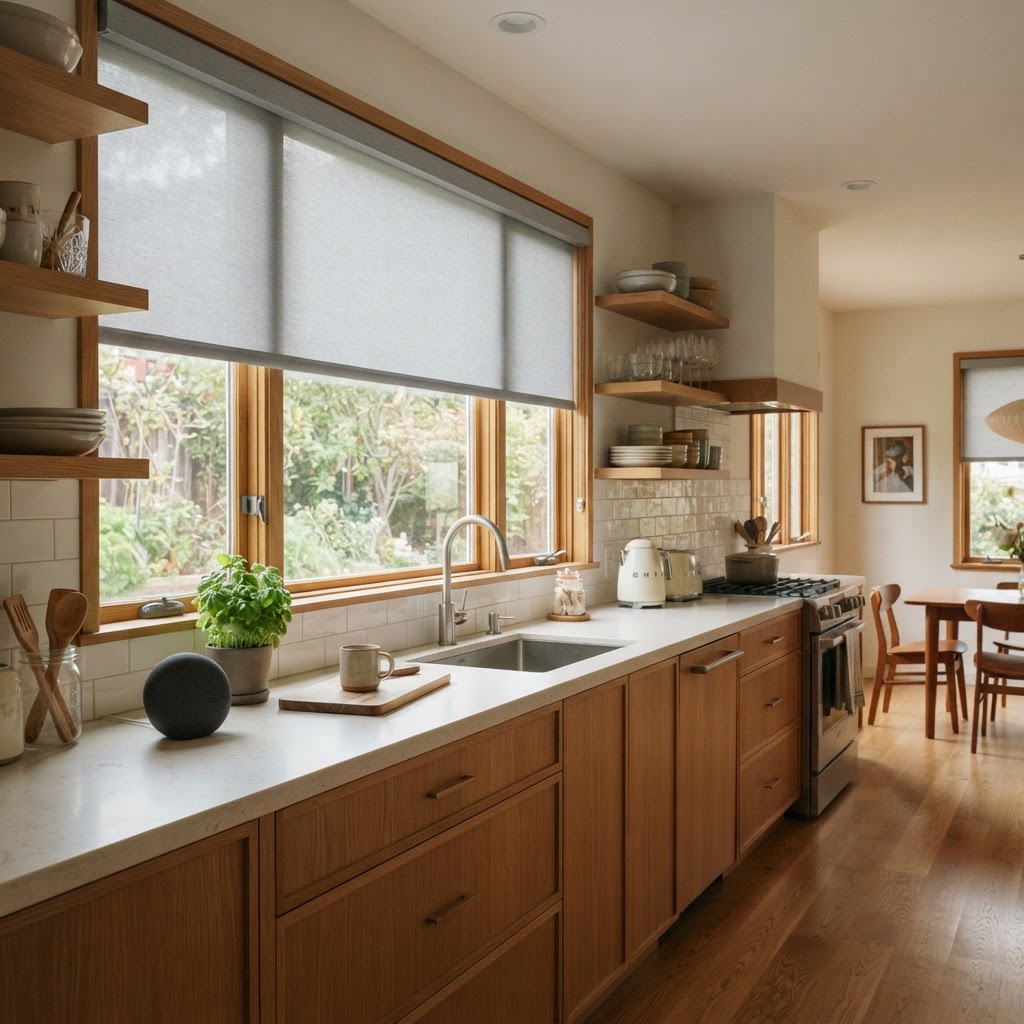
TL;DR
- • Yes, Carolina Smart Blinds work with Google Home and Google Assistant.
- • Use a Wi-Fi motor, a Matter motor, or any motor with our Smart Link hub.
- • Setup takes about 5 minutes in the Google Home app, and we do it free at installation.
What you need
- Your Carolina Smart Blinds (Wi-Fi motor, Matter motor, or any motor paired with our Smart Link hub)
- The Google Home app on your phone
- A Google Nest speaker or display (optional, your phone works too)
- Your home Wi-Fi name and password (2.4GHz)
Step by step
- 1
Set up your blinds in the blinds app
During installation we add your shades to the smart blinds app on your phone and name each one, for example "Kitchen".
- 2
Open the Google Home app
Tap the "+" button, choose "Device", then "Works with Google Home".
- 3
Find and link the blinds service
Search for the blinds service we recommend at setup and sign in with your blinds app account. Matter motors can instead be added by scanning their QR code.
- 4
Assign rooms
Google lists your shades. Put each one in a room so voice commands feel natural.
- 5
Try it out
Say "Hey Google, close the kitchen blinds" and watch them move.
Try saying
- "Hey Google, open the kitchen blinds"
- "Hey Google, close all the shades"
- "Hey Google, set the office blinds to 30 percent"
Everyday ideas
- • "Good morning" routine opens the blinds and reads the weather
- • "Good night" routine closes every shade in the house
- • Close the shades automatically when you leave home
Common questions
Do I need a Nest speaker?
No. You can control your blinds from the Google Home app or Google Assistant on your phone.
Can my family control them too?
Yes. Anyone you add to your Google Home can use voice or the app.
Do you set this up for me?
Yes. We connect your blinds to Google Home for free during installation.
Do smart blinds work with Google Home in Charlotte, NC?
Yes. Carolina Smart Blinds installs Google Home compatible motorized shades across Charlotte, Rock Hill, Fort Mill and nearby areas, with free measuring and installation.
Do Matter blinds work with Google Home?
Yes. Our Matter motors can be added to Google Home directly by scanning the QR code in the Google Home app.
Rather have us do it?
We set up Google Home for free when we install your blinds. Call 980-397-9124 or book a free consultation.